Exporting Data
Here you will find out how to export
data from Ka-Ching into your PC
IRAS Export
Pre-Requisites for IRAS

Step 1
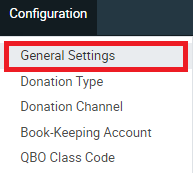
Click on Configuration found on the top
Step 2
Click on General Settings
Step 3
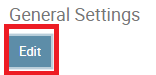
Click on Edit
Step 4
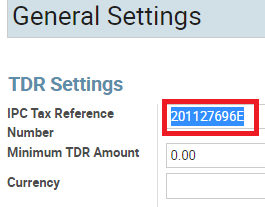
Key in your UEN (Unique Entity Number) given to you
Step 5
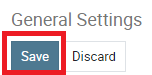
Click Save
IRAS Export

Step 1
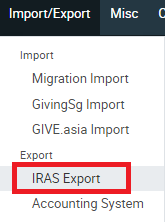
Click on Import/Export found on the top
Step 2
Click on IRAS Export
Step 3
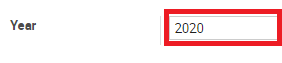
Click on the drop down beside “Year”
Step 4
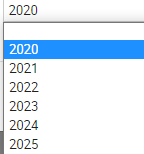
Select the year in which you wish to export a report
Step 5
Click on Export